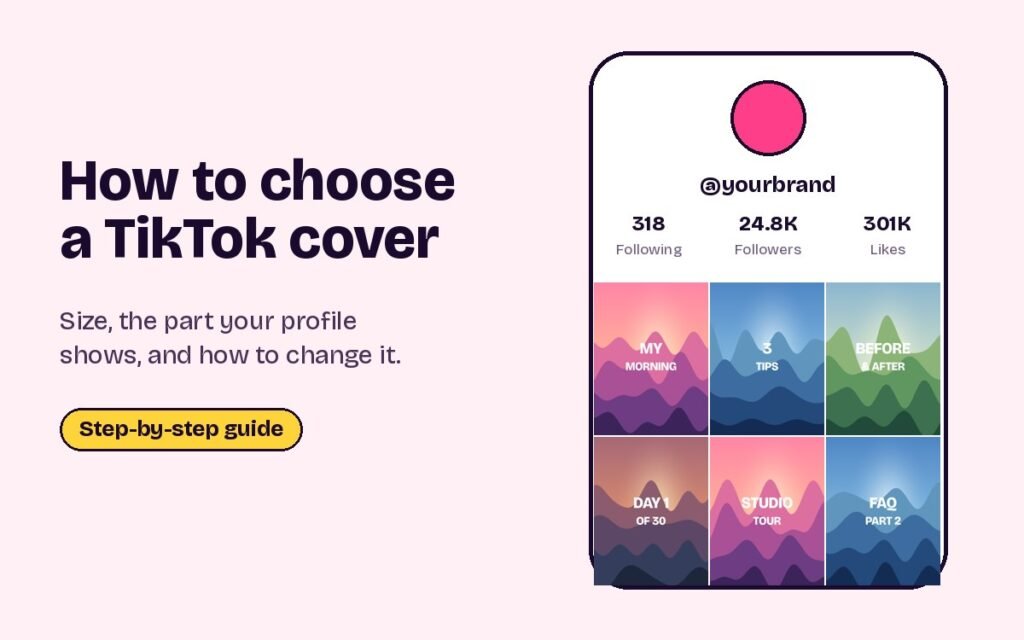
Short answer: on TikTok’s post screen, tap Edit cover, then either drag along the video to pick a frame or tap Upload to use an image from your phone. Add a short title if you like and save. Design covers at 1080 × 1920, but keep the title and main subject in the middle, because your profile grid only shows roughly the middle 3:4 part. Some accounts can change a cover within 7 days of posting through Edit post.
Here’s how to add a cover, how to change one later, and how to design covers that read on your profile.
TikTok cover size
| Where it appears | What shows |
|---|---|
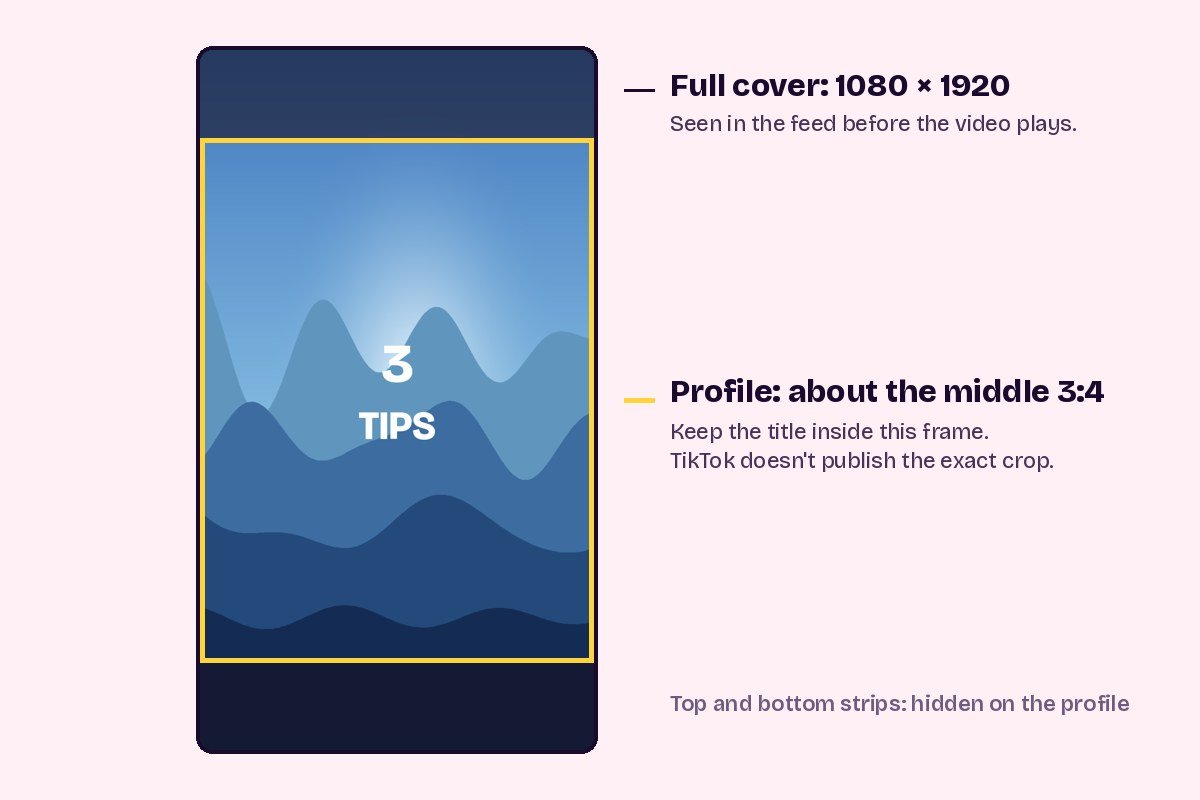
| Full screen, before the video plays | The whole 1080 × 1920 cover |
| Your profile grid | Roughly the middle 3:4, about 1080 × 1440 |
TikTok doesn’t publish the exact shape of its profile thumbnails. The 3:4 figure matches how profiles display covers today, so after posting your first cover in a new style, check it on your profile and adjust the next one if anything is clipped.
How to add a cover before posting
- Get to the post screen Record or upload your video, edit it and tap Next.
- Tap Edit cover It’s on the small cover preview on the post screen, next to your caption.
- Pick a frame or upload an image Drag along the video to choose a frame, or tap Upload to use an image from your phone. An uploaded image is usually sharper than a paused video frame.
- Add text if you want Choose a text style, type a short title and drag it into the middle of the cover.
- Save and post Tap Save, finish your caption and post.
How to change a cover after posting
Newer versions of the app let you edit a post for a short time after publishing. Open the video from your profile, tap the three dots, choose Edit post, then Edit cover. You can pick another frame or upload an image, then save. This is reported to work only within 7 days of posting, and not every account or region has it yet.
If you don’t see the option, the only way to change the cover is to save the video, delete the post and upload it again with a new cover. That resets its views, likes and comments, so it’s only worth doing for a new post with little engagement.
Designing covers that work on your profile
- Keep the title in the middle. Anything near the top or bottom of the cover is hidden on your profile grid.
- Use three to five big words. Profile thumbnails are small. Short titles in heavy type stay readable.
- Use the same style every time. One font, one title position and a consistent colour make a profile look organised.
- Show a face or the result. A clear face, or the finished result of a tutorial, makes people tap.
- Number your series. Covers like Part 1, Part 2 or Day 3 of 30 help people find the next video.
- Remember the pinned row. If you pin three videos, their covers sit together at the top of your profile, so design them to look good side by side.
Pinned covers can also form one picture across the top of your profile. That’s a TikTok banner, covered in our TikTok banner guide and made with the TikTok banner maker.
Questions people ask
What size is a TikTok cover?
1080 × 1920 pixels, the same as the video. Your profile shows roughly the middle 3:4 part, so keep important things there.
Can I use a photo as my TikTok cover?
Yes. On the post screen, tap Edit cover, then Upload, and choose an image from your phone.
Can I change a TikTok cover after posting?
Some accounts can, within 7 days, through Edit post in the video’s menu. Otherwise you have to repost the video with a new cover.
Why is my TikTok cover cut off on my profile?
The profile grid shows a shorter crop from the middle of each 9:16 cover. Move titles and faces toward the centre.
Sources
- Kapwing: How to change your TikTok cover photo (Edit cover and Upload)
- Simplified: How to change a TikTok thumbnail (Edit post within 7 days, 2026)
- Our Instagram and TikTok size guide
Ready to try it? Make a grid that fits the new 3:4 profile in under a minute.
Open the grid maker