What an Instagram banner is
An Instagram banner is one wide image split across three posts, so it shows as a single strip across a row of your profile. Brands use it for launches and seasonal campaigns, creators use it to frame their profile, and it takes far less work than a full 9-post grid. This banner maker cuts the image for you, sized for the taller 3:4 profile Instagram uses now.
- Pick a wide image A photo or design about four times as wide as it is tall works best for three 3:4 posts. Landscapes, product rows and wide text designs all make good banners.
- Keep the rows at 1 One row gives you three posts. If you want a taller banner, switch to 2 rows for six posts.
- Line it up Drag and zoom the image. The yellow lines are the cuts between posts, so keep logos and words clear of them.
- Download the three tiles You get post-01, post-02 and post-03, numbered in the order you post them.
- Post right to left Post the right tile first and the left tile last. Instagram adds each new post on the left, so the banner fills in from right to left and ends up reading correctly.
How to keep the banner at the top of your profile
A banner only works while it sits in one row. As soon as you post something new, every tile shifts one place and the banner splits across two rows. There are two ways to deal with that.
Pin it. Instagram lets you pin up to three posts to the top of your profile, which is exactly one banner. Pin post-01 first and post-03 last, then look at your profile and make sure the image reads left to right. If it doesn’t, unpin and pin them again in the other order.
Post in threes. If you’d rather not pin, post new content in sets of three. The banner then moves down the profile as a whole row and never breaks apart.
Banner sizes for the new grid
Each tile is 1080 × 1440 pixels, which is the 3:4 shape Instagram shows on profiles, so nothing gets trimmed. If you use a scheduling app that only accepts 4:5, pick the 1080 × 1350 option. The seams still line up on your profile, and the small strips outside the profile view are filled with the neighbouring part of your image so the posts look natural in the feed.
For the whole banner, the source image should be at least about 3,240 pixels wide for full sharpness. Smaller images still work, but the tool will warn you that the tiles will be enlarged.
Tips for banners that look planned
- Give each post a reason to exist. Followers see the three tiles one by one in their feed. A tile that’s only empty background looks odd there, so let the subject spread across all three.
- Put text in the middle tile. The middle post is the most centered on every phone, and words don’t get split by a cut.
- Match your caption to the banner. Use the same opening line on all three posts so people understand they belong together.
- Refresh it with your campaigns. Because it’s only three posts, a banner is easy to swap when you change a season, sale or theme.
Banner, grid or carousel?
A banner is a single row of three posts. A full profile grid uses two or more rows for a bigger picture. A carousel keeps everything in one post that people swipe through. If you also post on TikTok, the TikTok banner maker makes the same three-post banner for TikTok’s profile.
How we test this tool
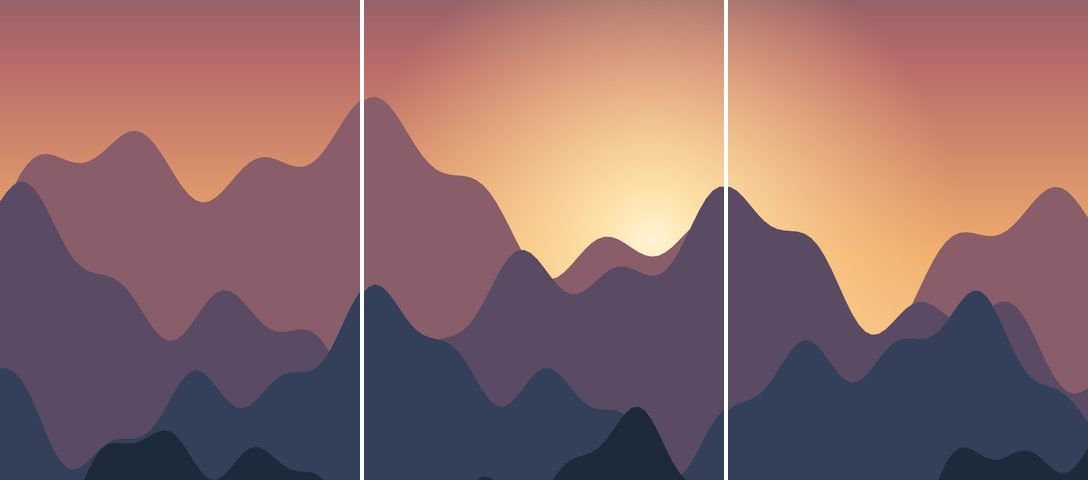
We measure each banner export so every tile is exactly 1080 × 1440 (or 1080 × 1350), and we compare the pixels on both sides of the two cuts so the strip reads as one continuous picture. The three-post pin limit is Instagram’s own. Because pinned order can change between app versions, we tell you to check your profile after pinning rather than promise a fixed order. More about our process is on the how we test and write page.
Questions people ask
What size is an Instagram banner?
Three posts of 1080 × 1440 pixels each, so the full banner is 3,240 × 1,440 pixels at full quality. That’s a 9:4 image.
Which banner tile do I post first?
The right tile, saved as post-01. Then post-02, then the left tile, post-03.
How do I stop the banner from moving?
Pin all three posts to the top of your profile, or post future content in sets of three so the row stays together.
Is the banner maker free?
Yes, with no sign-up and no watermark. Your image is split in your browser and never uploaded.
Written and tested by Profile Grid Maker. Last updated October 22, 2026. How we test